
Data & AI Masterclass for Management-Level Professionals
A practical 3-month programme — weekly 2-hour live sessions covering the entire data journey, from requirement gathering through to Power BI, automated reporting and AI. And it goes beyond training: by the end, we help you set up a live decision dashboard for your own office.
Lead with data, not guesswork
This is not a coding bootcamp. It is a decision-maker’s guide to how data really works — so you can direct, question and benefit from it with authority.
Speak the language of data with confidence in front of teams, boards and clients.
Understand every stage of the data lifecycle and where value — and risk — is created.
Commission and challenge data work, dashboards and AI initiatives with the right questions.
Read a Power BI dashboard critically and know what good reporting looks like.
Identify quick wins for automation and AI within your own organisation.
Lead data-informed decisions rather than depending entirely on technical teams.

We help set up your office decision dashboard
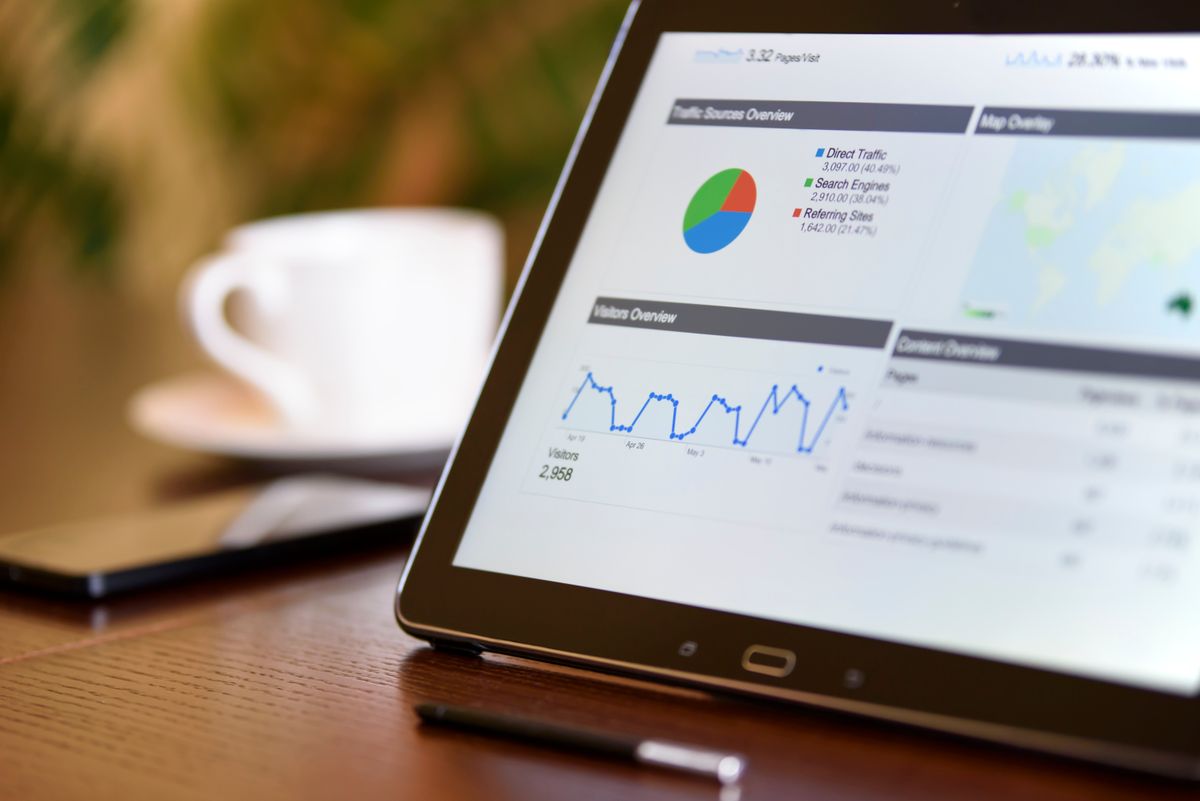
This programme does more than teach. By the end, we work with you to set up a live board for your office — a screen on your wall that continuously shows the management-level information you need to make decisions every day.
- A dashboard built around your organisation and the decisions you actually make
- Live KPIs, trends and alerts pulled together in one clear view
- Designed to run on a screen in your office, updating on its own
- You leave with a working board, not just notes and slides
From generation to archiving — the full picture
We walk through every stage of the data lifecycle with real, hands-on examples, so you understand how raw information becomes trusted insight and intelligent automation.
Requirement Gathering
Turn fuzzy business questions into clear data requirements, success metrics and the right questions to ask stakeholders.
Data Generation
Where data comes from — systems, forms, sensors and events — and how to design capture that is fit for purpose.
Storage
Choosing the right home for data: files, databases, warehouses and lakes — and why the choice matters for cost and speed.
Cleaning
Handling missing values, duplicates and inconsistencies so decisions are built on data you can trust.
Validation
Building checks and controls that catch errors early and keep your numbers defensible in the boardroom.
Transformation
Shaping, joining and modelling data into the structures that reporting and analytics actually need.
Enrichment
Adding context and derived measures that turn raw records into genuinely useful management information.
Usage — Power BI, Reporting & AI
Dashboards in Power BI, automated reporting that runs itself, and practical AI to summarise, forecast and assist decisions.
Designed for working professionals
Every session is practical and paced for people in demanding roles. No prior technical background is required — only the ambition to lead more effectively with data.
- Managers, directors and team leads who rely on data but do not build it themselves
- Business owners and executives wanting to run a more data-driven organisation
- Heads of department in finance, operations, HR, sales and marketing
- Public-sector and NGO leaders responsible for reporting and accountability
- Consultants and project managers who commission analytics and AI work
At a glance
- Duration
- 3-month programme · first-Saturday cohorts
- Sessions
- Weekly · 2 hours · 7:00–9:00 PM GMT (Accra)
- Format
- Live, interactive sessions on Microsoft Teams
- You leave with
- A decision dashboard set up for your office
- Style
- Practical, example-led, built for decision-makers
- Investment
- GHS 3,000 per participant (full programme)
Reserve your seat
Choose your cohort start and complete your payment of GHS 3,000 for the full 3-month programme. Your place is confirmed the moment payment succeeds, and your Microsoft Teams joining details are emailed to you straight away.
- Instant email confirmation with joining details
- A reminder about 10 hours before your session
- A final reminder one hour before we begin